
Use cases

Build a go-to-market roadmap slide for launch communication

Align launch workstreams, timing, and milestones in a cleaner slide-ready format.

Use cases

This slide has to earn its place in the meeting

A roadmap slide is only useful if it makes the situation legible in one pass. The best structure depends on what the audience has to understand or decide.

What usually gets in the way

Go-to-market work often spans many functions, but launch communication still needs one shared story.

  • Launch workstreams rarely live in one clean presentation format.
  • Cross-functional updates need more clarity than scattered planning views.
  • GTM status decks are repetitive to rebuild manually.
How Lupus Labs helps

Lupus Labs helps teams create a clearer launch roadmap slide and reuse that structure in recurring GTM communication.

Launch and GTM communication often need one management-ready slide that can align several teams at once.

Benefits

Why this scenario becomes easier to explain

The value is not abstract. It is getting to the slide this meeting or update actually needs, without rebuilding the format every time.

Cross-functional visibility

Show marketing, sales, product, and enablement work in one view.

Faster launch updates

Spend less time rebuilding the GTM timeline for every check-in.

Better discussion in meetings

Give stakeholders a clearer roadmap format for launch decisions.

Use cases

What the slide needs to make clear

Look for a slide that makes the audience, the level of detail, and the decision path clear in one pass.

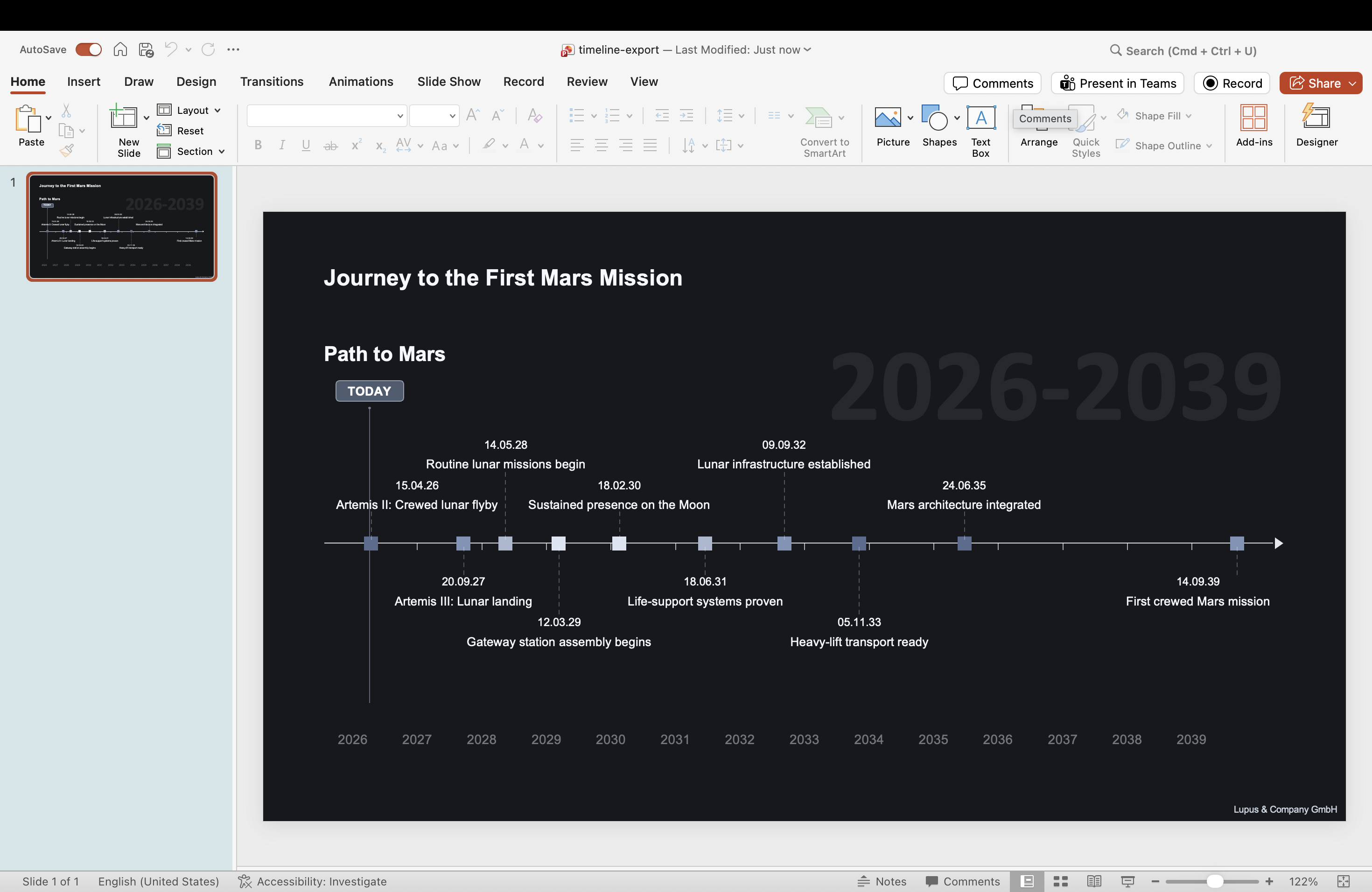
PowerPoint milestone timeline slide generated with Lupus Labs — ideal for go-to-market launch sequencing
A launch-oriented roadmap slide for cross-functional GTM communication.

FAQ

Questions that come up in practice

Can I use this for launch workstreams?

Yes. It works well when multiple launch streams need to be shown in one slide.

Is it suitable for recurring GTM reviews?

Yes. It helps reduce the manual work behind repeated launch updates.

Try Lupus Labs

Build the slide for this scenario now

Open the app, shape the roadmap around your story, and use the result in the deck you are already building.